The Website Strategy School: Lesson 2 – What Should You Include? How to Think About Site Structure and Sitemaps


Table of Contents
Contents
- Introduction
- 1. Why Is Site Structure Important?
- 2. Reconfirm the Goal First
- 3. A Basic Structure Example for SMEs and Freelancers
- 4. What Is a Sitemap? How Is It Different from Site Structure?
- 5. Steps to Create a Sitemap
- 6. Designing User Navigation Flow
- 7. Common Pitfalls and How to Avoid Them
- Conclusion: Site Structure Is Your Strategy
- About The Website Strategy School
- About AEDI
The Website Strategy School
- Lesson 1 – Who Are You Building Your Website For? Understanding Your Target, Persona, and Purpose
- Lesson 2 – What Should You Include? How to Think About Site Structure and Sitemaps
- Lesson 3 – Users Don’t Act Based on “Looks” Alone: The Fundamentals of Strategic Design
- Lesson 4 – Photos and Words Make the Difference! Tips on Visuals and Writing
Introduction
“What should I include on my website?”
This is one of the most frequently asked questions by people building their first website.
In Lesson 1, we discussed identifying the “target audience” and defining the purpose of your website. In this lesson, we’ll focus on how to give shape to that purpose through your site structure and sitemap.
1. Why Is Site Structure Important?
A website’s structure is like a book’s table of contents or a store’s layout.
If you can’t find what you’re looking for in a messy book or a disorganized supermarket, you’ll likely give up. The same goes for websites. The order, type, and arrangement of content strongly affect the user experience (UX).
2. Reconfirm the Goal First
Before diving into structure, revisit the objective of the website. For example:
- Increase inquiries
- Help users understand your product or service
- Establish trust and credibility
- Communicate your company culture to potential recruits
A clear goal helps you naturally identify what pages are necessary.
3. A Basic Structure Example for SMEs and Freelancers
Here is a basic site structure commonly used for small businesses and solo entrepreneurs:
| Page | Description | Purpose |
|---|---|---|
| Home | First page users see. Summary and main navigation | First impression (USP, value proposition) |
| About / Profile | Explains company background and credibility | Builds trust (clear identity of operator) |
| Services | Detailed description of what you offer | Explains benefits and solutions |
| Portfolio / Cases | Showcases work results and testimonials | Social proof (case studies) |
| Blog / News | Regular updates, useful for SEO | Demonstrates ongoing activity & expertise |
| FAQ | Anticipates and answers user questions | Reduces anxiety and objections |
| Contact | Encourages action (form, phone number, etc.) | CTA (Call to Action, conversion point) |
Though simple, this structure fits most businesses well.

4. What Is a Sitemap? How Is It Different from Site Structure?
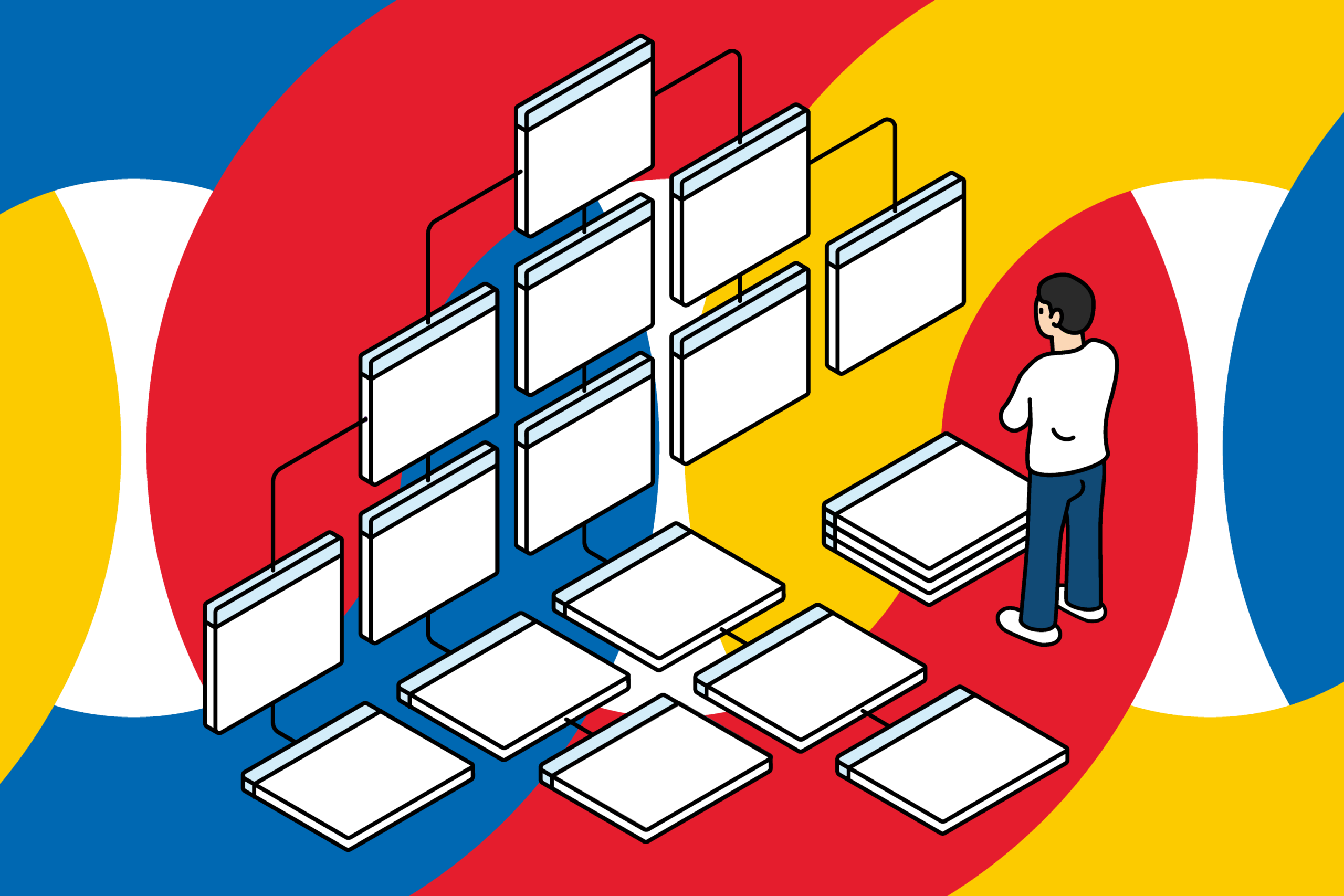
A sitemap is a visual diagram of the website’s structure—like a building blueprint or a book’s chapter overview.
- Site structure: What content to include
- Sitemap: How those pages connect and relate to each other
Note: This is different from an XML sitemap, which is a file for search engines that lists URLs and update info to help with indexing. We’re referring here to a visual sitemap for planning.
5. Steps to Create a Sitemap
- Step 1: List all required pages
- Use your defined goals and the basic structure to identify essential pages.
- Step 2: Clarify page relationships
- Start with the homepage, then decide how each page will link to others.
- Step 3: Design a page hierarchy
- Example:
- Services (Parent Page)
- Service A (Child Page)
- Service B (Child Page)
Categorization and hierarchy help users find what they need more easily.
- Services (Parent Page)
- Step 4: Draw it out
- Use hand-drawing, PowerPoint, sticky notes, or whatever suits you. For most small sites, a simple tree diagram is sufficient.
6. Designing User Navigation Flow
Just placing pages isn’t enough—how users move through them matters.
Examples:
- Home → Services → Portfolio → Contact
- Blog article → Services → Contact
Anticipate the user’s next step and place buttons and links accordingly.
7. Common Pitfalls and How to Avoid Them
The following table highlights common website mistakes and how to fix them.
| Common Mistake | Countermeasure |
|---|---|
| Too much information crammed in | Prioritize essential info / Use page hierarchy |
| Only a bare “About Us” page with no substance | Include strengths, achievements, and personal message |
| Creating a blog but leaving it empty | Skip it if you can’t maintain it / Even monthly updates help |
Clarifying what not to do is just as important for success.
Conclusion: Site Structure Is Your Strategy
A website is not just a place to store information—it is a system designed to achieve specific goals. The site structure and sitemap serve as the blueprint for this system. By carefully designing the site structure, you can naturally identify the site’s navigation flow and plan your content effectively.
Using the concepts of site structure and sitemap introduced in this lesson, try designing a structure that aligns with the purpose of your own website.
About The Website Strategy School
The Website Strategy School delivers essential thinking and design principles for creating websites that drive real results. The series is designed for those who have just taken on website responsibilities, small business owners, sole proprietors, and marketing or PR staff. Even those with little experience in web or website management can learn with confidence.
This series focuses on the core concepts for achieving results: why you are creating the website, who it is for, and how to deliver it effectively. It also covers practical tips and strategies for managing and optimizing your website. Business owners, managers, and sole proprietors will learn how to design a website that fits their business or activities and connects directly to meaningful outcomes.
The content is based on my experience in web design and development. The methods presented are not the only correct ways—they are intended as a reference, so please feel free to read with a relaxed mindset.
Additionally, this series is written with the expectation that it will be periodically revised and expanded. The content may evolve over time, but the goal is to continuously improve and enrich it. We hope you will follow along with us on this journey.