
Free and Easy! How to Create a Looping Video from a Single Image Using Adobe Firefly


In this post, we’ll walk you through how we created a promotional looping video for a semi-custom logo featured on our logo design site, LogoLand. The best part? No special video editing software or technical knowledge required.
All we used was Adobe Firefly — Adobe’s AI-powered image generation tool. With just a single image, we were able to create a smooth, seamless loop animation in just a few steps.
What is Adobe Firefly?
Adobe Firefly is part of the Adobe Creative Cloud family — the same suite that includes Photoshop and Illustrator. It’s a next-generation, web-based creative tool that leverages AI to generate visuals and motion content from text or images. Firefly can even assist with audio and video translation.
Learn more: Adobe Firefly – Free Generative AI for creatives ↗︎
Launched in 2023, Firefly has quickly gained popularity. One key benefit is that it generates copyright-safe assets suitable for commercial use and integrates seamlessly with other Creative Cloud apps.
Personally, I find its intuitive UI and native support for Japanese especially user-friendly.
Even though I subscribe to the Adobe Creative Cloud All Apps plan, as of May 28, 2025, only the free tier of Firefly is available — Firefly Free. That means anyone with an Adobe ID can use Firefly’s basic features for free, even without a Creative Cloud subscription.
In this project, we used the Adobe Firefly Video Model, released in October 2024. At the time of writing, the Firefly Free plan allows up to two 5-second videos to be generated per account.
Here’s What We Created
First, take a look at the looping videos we generated using Adobe Firefly. (The original images used were featured on the detail pages of each semi-custom logo on LogoLand.)
Note: None of the logos on LogoLand are created with AI. We do not currently use, nor plan to use, AI for logo design.
LogoLand Semi-Custom Logo
A bold yet simple logo inspired by waves and wind — conveying a sense of dynamism and freedom ↗︎
A Surprisingly Simple Workflow
Here’s a quick overview of how we made it:
- Choose “Image to video” in Adobe Firefly.
- Set general parameters:
- Resolution: 1080p (currently the max available)
- Aspect Ratio: Widescreen (16:9)
- Frame Rate: 24 FPS (only available option for now)
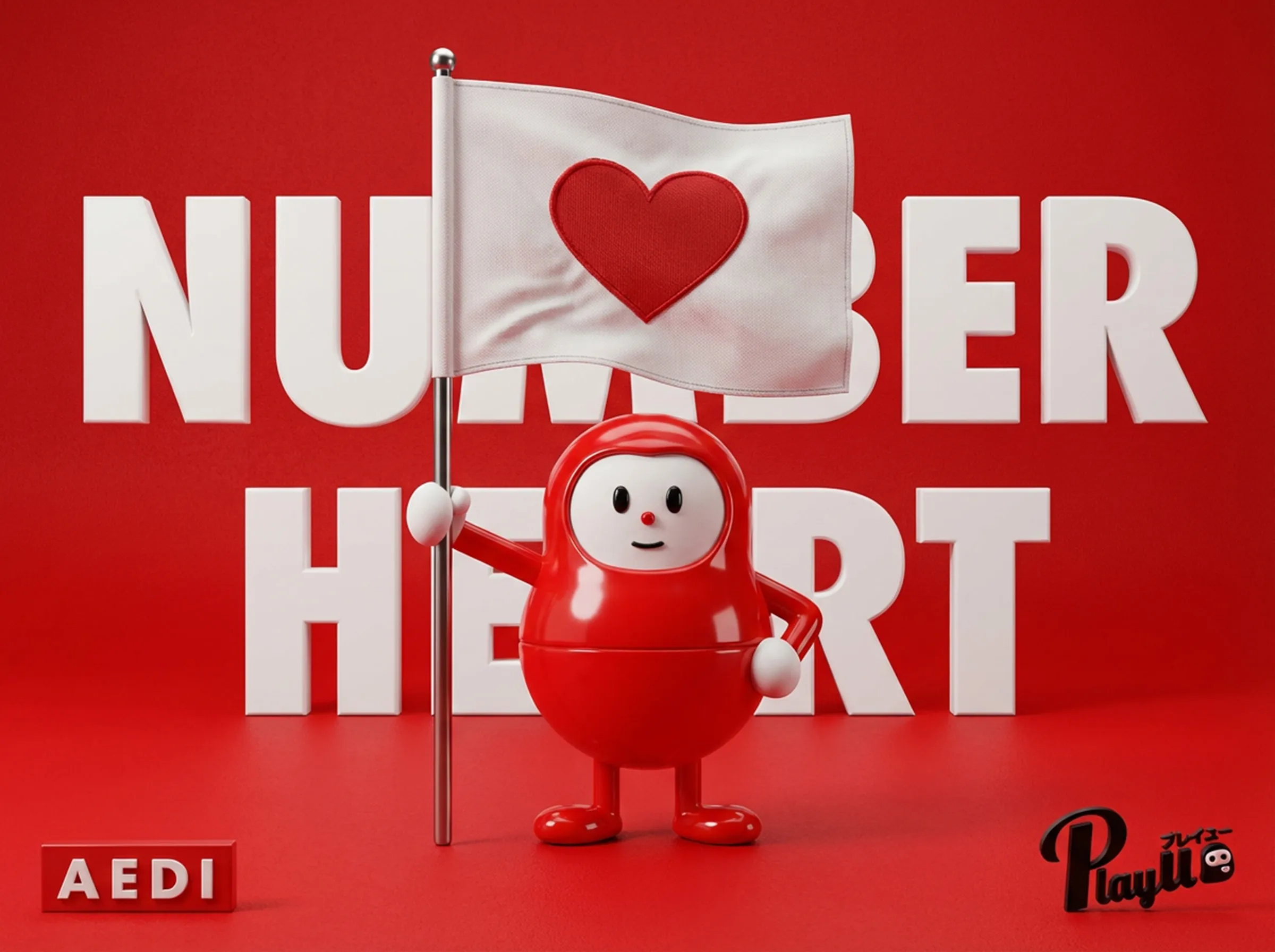
- Use the same mockup image (e.g., a flag with your logo) for both the first and last frame.
- Enter the following prompt:
“Make the flag in this image flutter dramatically in the wind, and create a seamless loop.”
That’s it. Firefly does the rest — generating a smooth loop animation automatically.
No Need for After Effects or Blender?
Traditionally, creating this type of animated content would require tools like After Effects or Blender, not to mention a lot of time and precision.
The fact that a single image and simple prompt can now produce this level of quality is remarkable.
That said, you’re still limited by the randomness of AI — fine-tuning specific motion details can be challenging, and results may vary. For precision, traditional animation tools are still essential.
Tips and Caveats
The Firefly Free plan allows only two video generations per Adobe ID — even failed attempts count. So be cautious.
If you want to experiment more, you could:
- Upgrade to a paid Firefly plan
- Try again after the monthly quota resets
- Create a new Adobe ID (Note: Check current terms of use and limitations before doing so)
- Try alternative video-generating AI tools
In Summary
We’ve entered an era where anyone can create looping videos from a single image — for free.
While Firefly is still evolving, it’s already more than capable of handling lightweight promotional videos or social media content. As a creative tool, it holds incredible promise for the future of design and branding.
Why not give it a try?
About AEDI and LogoLand
We at AEDI are a web and graphic design company based in Kurashiki, Okayama, Japan.
Since our founding in Shinjuku, Tokyo in 2008, we have provided website development, graphic design, motion graphics, character design, and brand design services to a wide range of clients—including companies, organizations, schools, local governments, and embassies.
Since relocating our base of operations to Okayama in 2014, we have continued to work on diverse projects not only in Okayama but also across various other prefectures.
If you’re planning a website or design project, please feel free to contact us anytime.
This video was created as a promotional piece for a Semi-Custom Logo offered by LogoLand, our logo design specialty service.
LogoLand offers both semi-custom and full-custom logo design options for clients seeking distinctive, high-quality branding. If you’re looking to make a strong impression with a one-of-a-kind original logo, our team is here to help.